Last updated on 19th May 2026
Around 1 in 4 people in the UK live with a disability of some kind. That’s not a niche audience — that’s a significant portion of every business’s potential customers, visitors, and clients.
Yet the vast majority of websites still fail to meet basic accessibility standards. Think about how far we’ve come in making the physical world more accessible. Ramps, tactile paving, automatic doors, accessible toilets. These things are visible, regulated, and widely understood as important. The digital world hasn’t kept pace.
A website that can’t be used by someone with a visual impairment, a motor disability, or a cognitive difficulty isn’t just an inconvenience. It’s a barrier. And in many cases, it’s avoidable with relatively straightforward changes.
At Studio Payne, accessibility isn’t an optional extra or a bolt-on service. Every website I build has accessibility standards built in from the start. Not because it’s a legal requirement — though increasingly it is — but because it’s the right way to build a website.
What is web accessibility?
Web accessibility is the practice of designing and building websites that can be used by everyone, regardless of their abilities or disabilities. That includes people with:
- Visual impairments — may use screen readers or require high contrast to read text
- Hearing impairments — rely on captions and transcripts for audio/video content
- Motor impairments — who may navigate using a keyboard alone rather than a mouse
- Cognitive impairments — who benefit from clear, logical structure and plain language
Accessibility also benefits people without permanent disabilities. Someone browsing on a slow connection, using a mobile device in bright sunlight, or dealing with a temporary injury can all benefit from an accessible, well-structured website. Good accessibility is good design for everyone.
Standards and legal requirements
Web accessibility is governed internationally by the Web Content Accessibility Guidelines — WCAG — developed by the World Wide Web Consortium (W3C). You can find the full guidelines at GOV.UK’s guidance on WCAG, which sets out the requirements for public sector websites and apps.
WCAG is built around four core principles. Websites should be:
- Perceivable — information must be presentable to users in ways they can perceive
- Operable — interface components must be operable by all users
- Understandable — content and operation must be understandable
- Robust — content must be robust enough to be interpreted by a wide range of technologies, including assistive tech
There is also a growing legal framework around accessibility. In the UK, the Equality Act 2010 places a duty on businesses not to discriminate against people with disabilities, which extends to digital services. And while the European Accessibility Act does not directly form part of UK law, it applies to any UK business providing goods or services to customers in the EU. The legal case for accessibility has never been stronger.
A basic web accessibility checklist
You don’t need to be a developer to start thinking about accessibility. Here are five of the most common areas where websites fall short — and what good looks like.
1. Colour contrast
Text needs to be readable against its background. WCAG requires a minimum contrast ratio of 4.5:1 for normal body text. Low contrast is one of the most frequently failed accessibility criteria, and one of the easiest to fix.
2. Alt text on images
Every meaningful image on your website should have a text description — known as alt text. Screen readers use this to describe images to visually impaired users. Without it, those users receive no information from your images at all.
3. Keyboard navigation
Can your website be navigated using a keyboard alone, without a mouse? For users with motor impairments, this is essential. If your menus, forms, and buttons can’t be reached and activated with a keyboard, a portion of your audience simply cannot use your site.
4. Clear heading structure
Headings are not just visual. They provide structure that screen readers use to navigate a page. A logical hierarchy — H1 for the main title, H2 for sections, H3 for subsections — helps assistive technology understand your content and helps all users find what they need.
5. Descriptive link text
Links that say “click here” or “read more” are meaningless to someone navigating with a screen reader. Descriptive link text — “Download our accessibility checklist” or “Read our case study for Lyneal Trust” — tells users exactly where a link will take them.
The business case for website accessibility
Accessibility is often framed as a compliance issue or a moral obligation. Both of those things are true. But there’s also a very practical business case that doesn’t get talked about enough.
It expands your audience
With 1 in 4 people in the UK living with a disability, an inaccessible website is excluding a significant portion of your potential customers.
It improves user experience across the board
Clear navigation, readable text, logical structure and fast load times benefit all users, not just those with disabilities. Accessibility raises the standard of the whole website.
It supports your SEO
Alt text on images helps search engines understand your visual content. Clear heading structure helps Google crawl and index your pages effectively. Descriptive link text improves your internal linking. Fast, well-structured, accessible websites tend to perform better in search.
It reflects on your brand
A website that works for everyone sends a clear signal about the kind of business you are.
Tools to check your website’s accessibility
Not sure where your website stands? These free tools are a good starting point.
WebAIM Contrast Checker
Enter the foreground and background colours from your website to check whether your text meets WCAG contrast requirements. Simple, quick, and free.
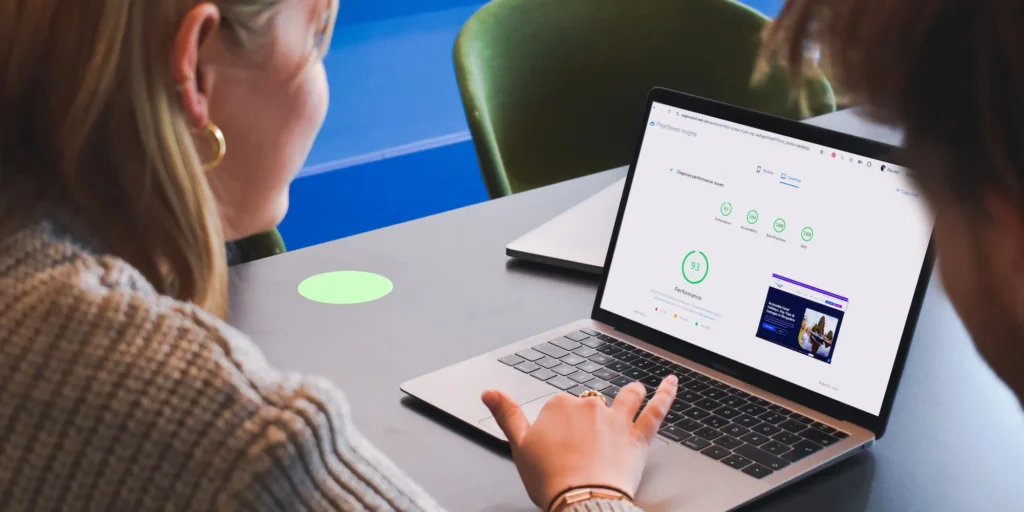
Google PageSpeed Insights
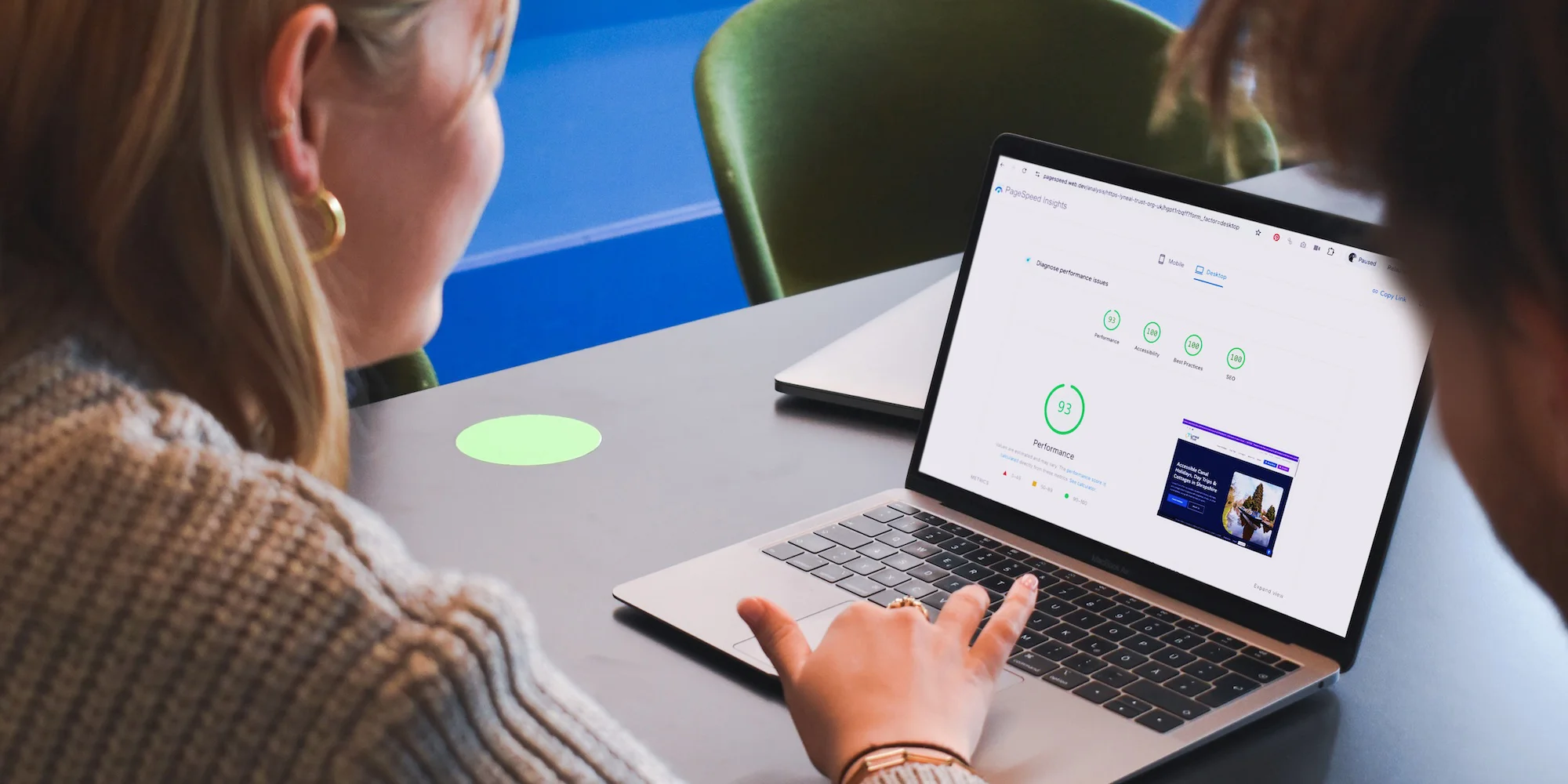
Enter your website URL to get a report on performance, accessibility, best practices, and SEO. The accessibility score highlights specific issues on your pages and explains what you need to fix.
Accessibility Checker
A free tool that scans your website and identifies WCAG failures, with clear explanations of each issue and how to resolve it.
GOV.UK guidance on WCAG
The UK government’s guidance on accessibility requirements. An excellent plain-English resource on what the standards mean in practice.
These tools won’t catch every accessibility issue — a thorough audit requires manual testing too — but they’re a useful way to understand where your website currently stands.
Case Study: Inclusive website design for Lyneal Trust
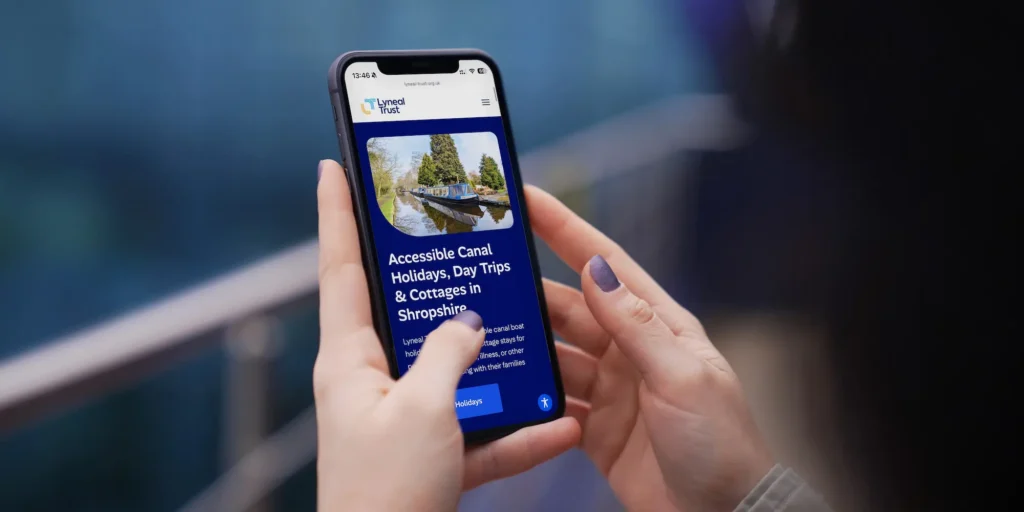
Lyneal Trust is a Shropshire-based charity providing supported holidays for people with disabilities and their carers. Based near Ellesmere, they offer accessible accommodation and experiences for people across the region and beyond.
When Lyneal Trust approached Studio Payne for a new website, accessibility wasn’t just a nice consideration — it was central to everything the organisation stands for. Their visitors, their beneficiaries, and many of their supporters include people with disabilities and their families. The website had to work for all of them.
The new site was built with accessibility standards as the foundation, not an afterthought. That meant careful attention to colour contrast throughout, descriptive alt text on all imagery, logical heading structure, keyboard-navigable menus, and clear, plain-language content throughout.
Sarah-Jane is a trustee of Lyneal Trust and founder of Accessible Places UK, an independent access consultancy led by people with lived experience of disability. When someone in her position says a website gets accessibility right, it means a great deal.
“The new Lyneal Trust website makes information accessible and straightforward for disabled visitors and their families. It’s something the Trust can be genuinely proud of.”
— Sarah-Jane, Accessible Places UK
View the full Lyneal Trust case study here
Every Studio Payne website is accessible as standard
When I started designing websites full time through Studio Payne, I made a conscious decision: accessibility would be built into every project from day one. Not offered as an add-on. Not something to consider later if there’s budget. Just part of how I work.
Every website I build meets accessibility standards as standard. That means the checklist above — contrast, alt text, keyboard navigation, heading structure, descriptive links — is applied to every project, every time.
It’s not complicated. It doesn’t add significant cost. There’s just no excuse for getting it wrong in 2026.
If you’re not sure whether your current website meets accessibility standards, I’d be happy to take a look. Get in touch to discuss whether your website is working for everyone it should be.
Frequently Asked Questions
What is web accessibility?
Web accessibility is the practice of designing and building websites that can be used by everyone, regardless of their abilities or disabilities. This includes people with visual, hearing, motor and cognitive impairments. In practice it covers things like colour contrast, alt text on images, keyboard navigation, and clear heading structure.
Is web accessibility a legal requirement in the UK?
In the UK, the Equality Act 2010 places a duty on businesses not to discriminate against people with disabilities, which extends to digital services. The European Accessibility Act also applies to any UK business providing goods or services to customers in the EU. The legal case for accessibility has never been stronger.
How do I know if my website is accessible?
There are several free tools you can use as a starting point — the WebAIM Contrast Checker, Google PageSpeed Insights, and Accessibility Checker are all worth running your site through. They won’t catch everything, but they’ll highlight the most common issues quickly.
Does web accessibility help with SEO?
Yes. Alt text helps search engines understand your images, clear heading structure helps Google crawl your pages, and descriptive link text improves internal linking. An accessible website and a well-optimised website have a lot in common.
Studio Payne is an independent web design and branding studio based in Shrewsbury, Shropshire, working with businesses, charities, and organisations across the UK.